How to Enable XMP & EXPO RAM Profiles: Fix Free Performance on Intel & AMD
Did you know your expensive 6000MHz or 3200MHz RAM is running at slow baseline speeds out of the box? Learn how to enable XMP and EXPO in BIOS in 60 seconds.
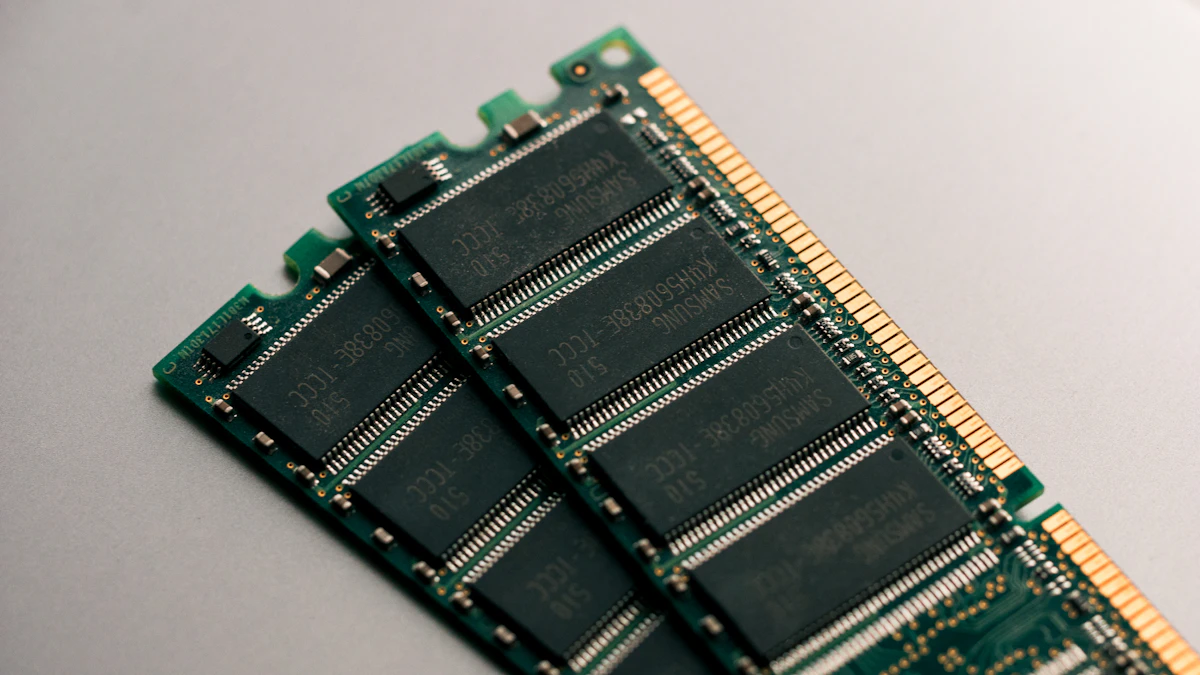
Millions of PC gamers spend good money purchasing high-speed 3200MHz DDR4 or 6000MHz DDR5 memory kits, install them into their motherboards, and play games for years without realizing their RAM is running at sluggish JEDEC default baseline speeds (2133MHz on DDR4, 4800MHz on DDR5).
Enabling Intel XMP or AMD EXPO takes exactly 60 seconds in your motherboard BIOS and yields an immediate 10% to 25% boost in 1% low frametimes.
⚡ What Are XMP and EXPO?
XMP (Extreme Memory Profile): Intel's validated factory memory overclocking standard stored on the RAM stick's SPD EEPROM chip.
EXPO (Extended Profiles for Overclocking): AMD's royalty-free, open standard specifically calibrated for Ryzen AM5 memory controller sub-timings.
Step 1: Check Your Current RAM Speed in Windows
Before rebooting, verify your active speed:
- Press
Ctrl + Shift + Escto open Task Manager. - Click the Performance tab → Click Memory.
- Look at the Speed metric in the bottom right corner:
- If your DDR4 says
2133 MHzinstead of3200 MHz, your profile is disabled. - If your DDR5 says
4800 MHzinstead of6000 MHz, your profile is disabled.
- If your DDR4 says
Step 2: Enable XMP / EXPO in BIOS (Step-by-Step)
- Restart your PC. As soon as the display turns on, repeatedly tap the Delete key (or F2 on ASUS laptops).
- Once inside your motherboard BIOS:
- ASUS Motherboards: Look on the EZ Mode home screen for D.O.C.P. / XMP / EXPO → Toggle to Enabled / Profile 1.
- MSI Motherboards: Click the prominent A-XMP or EXPO icon in the top-left banner so it turns red.
- Gigabyte Motherboards: Navigate to Tweaker → Extreme Memory Profile (X.M.P.) / EXPO → Set to Profile 1.
- ASRock Motherboards: Go to OC Tweaker → DRAM Configuration → Select Load XMP Setting.
- Press F10 to save changes and reboot.
The Critical Rule: Dual-Channel Slot Placement
If you have two sticks of RAM and a motherboard with four slots, never place them in adjacent slots (Slot 1 and Slot 2).
- Always install them into Slot 2 and Slot 4 (counting away from the CPU socket).
- Running in dual-channel mode doubles the memory bus bandwidth from 64-bit to 128-bit, instantly eliminating frame pacing hitches.
Conclusion
Enabling XMP/EXPO is free, 100% safe, and covered under manufacturer warranties. Check your Task Manager today and unlock the full speed you already paid for!
Get our free Gaming PC Setup Guide 2026
Complete guide to building the perfect gaming setup on any budget. Free PDF.
Related Articles
GTA 6 Radio Stations, Soundtrack Leaks & Modern Miami Music Culture Breakdown
Comprehensive breakdown of GTA 6's music ecosystem. Vice City retro nostalgia, modern Latin trap and reggaeton stations, synthwave, Tom Petty trailer legacy, and satirical talk radio podcasts.
GTA 6 Story & Protagonists Deep Dive: Lucia & Jason Backstory, Voice Cast & Narrative Themes
Narrative dissection of Grand Theft Auto VI. Lucia's background as the first 3D-era female protagonist, Jason's dynamic, Bonnie and Clyde criminal partnership, voice actor leaks, and social media satire.
GTA 6 Online 2.0: Progression Transfer, Dedicated Servers, Cfx.re FiveM Roleplay & Economy Overhaul
Everything known about GTA 6's next-gen online ecosystem. Progression reset rumors, dedicated server architecture vs P2P, Rockstar's acquisition of Cfx.re (FiveM), anti-cheat, and roleplay mechanics.